Diwali special · 2026
Diwali
on your TV.
Diyas, rangoli, lanterns and fireworks on Home. Free, one command on, one command off.
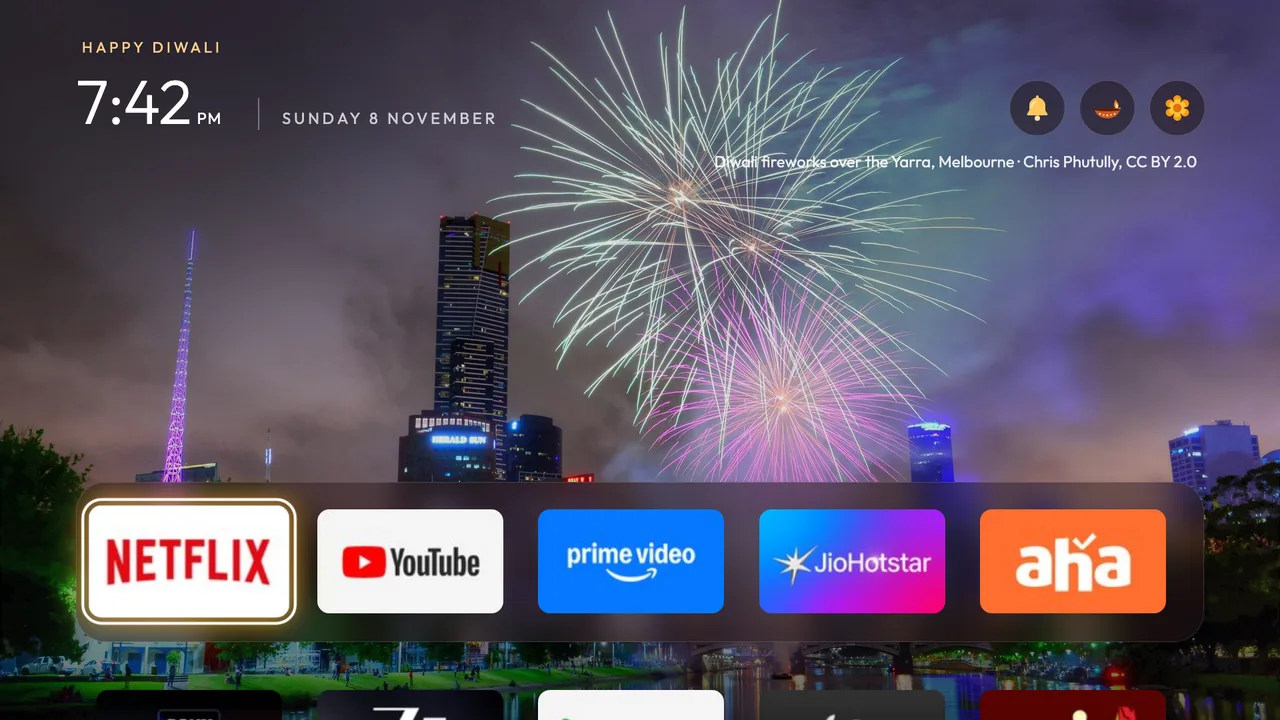
Put it on your TV
- Same Wi-FiYour TV and computer on one network. Find your TV’s IP address.
- Get the repoClone CleanYourTV on your computer.
- Run one commandIt pushes the theme and restarts Home.
git clone https://github.com/Gathin23/cleanyourtv.git
cd cleanyourtv
TV_HOST=192.168.1.50 tools/theme.sh themes/diwalipowershell -ExecutionPolicy Bypass -File tools\theme.ps1 -TvHost 192.168.1.50 themes\diwaliReplace 192.168.1.50 with your TV’s address. Needs the CleanYourTV launcher on the TV.
TV_HOST=192.168.1.50 tools/theme.sh --resetWhat’s in it
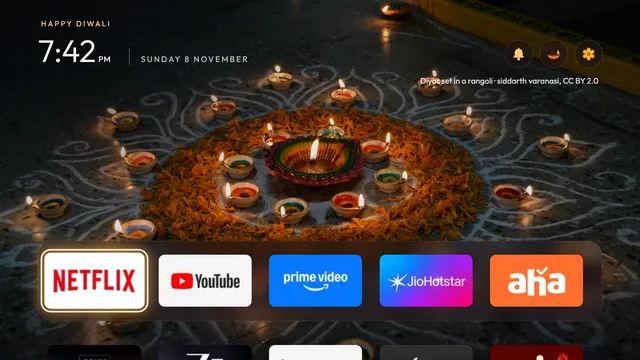
The theme
A frosted dock set low, so the picture shows, and diya-gold focus.
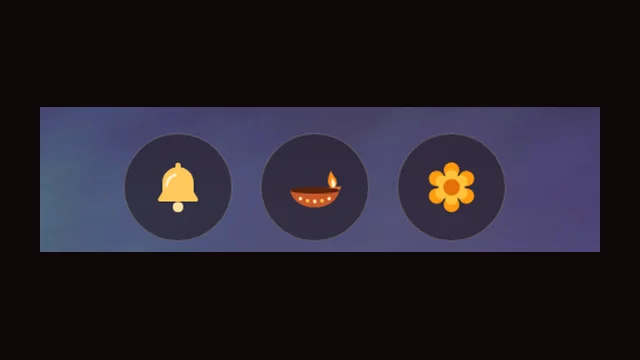
The festive skin
Wi-Fi, Inputs and Settings become a diya, a bell and a marigold.
The wallpapers
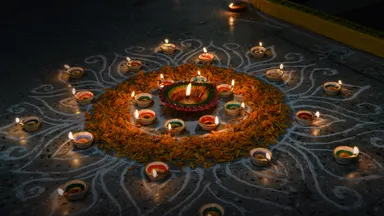
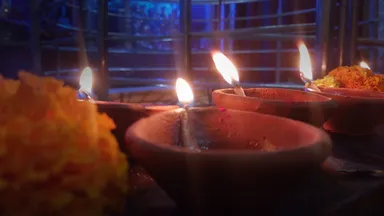
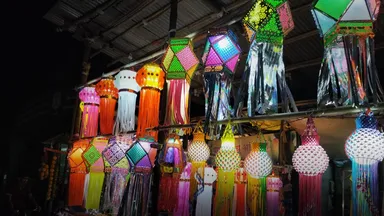
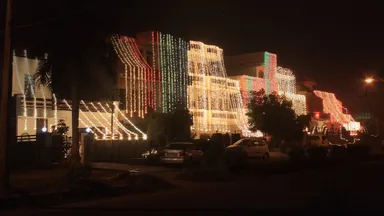
Eight Diwali photos, a new one every 20 minutes.


- Wi-Fi diyaIts flame follows the signal and goes out offline.
- Bell for InputsIt swings when focused.
- Marigold for SettingsAnd a petal shower on the first Home of the day.
- Happy DiwaliAbove the clock, in diya gold.
- Eight Diwali photosA new one every 20 minutes, its photographer under the buttons.
- Off by itselfThe skin switches itself off after 11 November.
The photos
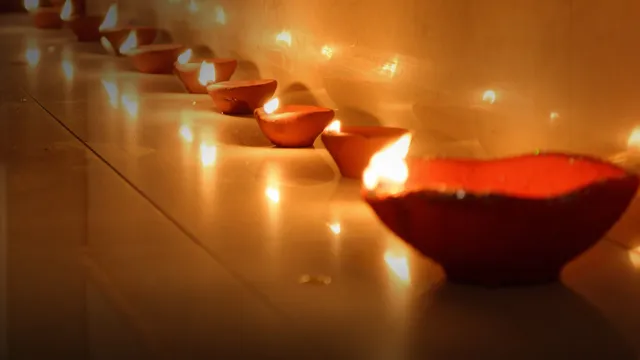
A row of diyasSlyronit, CC BY-SA 4.0
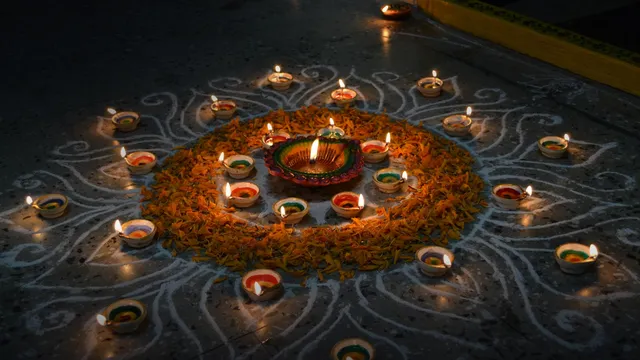
Diyas set in a rangolisiddarth varanasi, CC BY 2.0
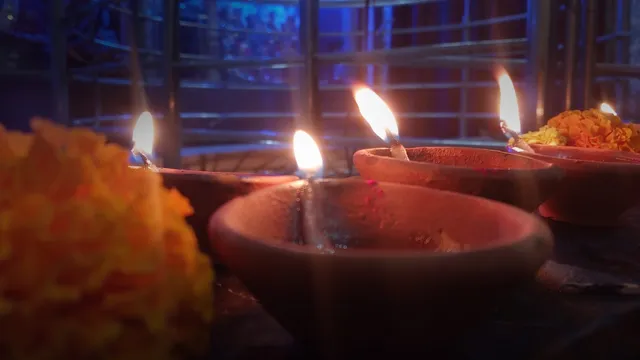
Diyas and marigoldsThe open draft, CC BY-SA 4.0
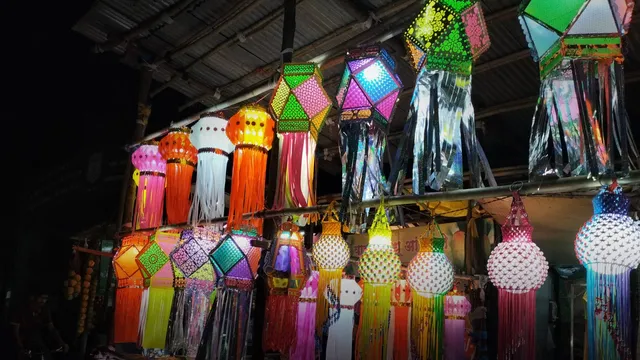
Akash kandils for sale in Puneआर्या जोशी (Arya Joshi), CC BY-SA 4.0

Diwali fireworks over the Yarra, MelbourneChris Phutully, CC BY 2.0

Diwali fireworks over a lake, ChennaiSriram Jagannathan, CC BY 2.0
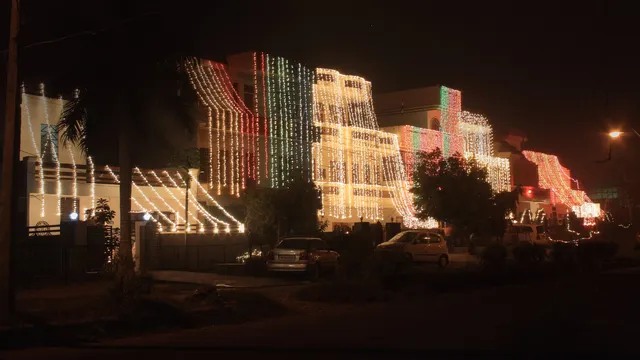
A street in Diwali lights, KarnalArne Hückelheim, CC BY-SA 3.0
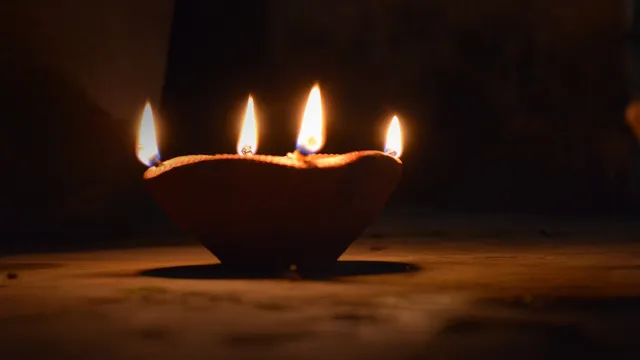
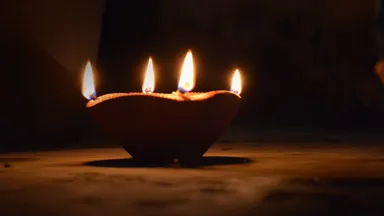
A diya with four flamesMoneysha26, CC BY-SA 4.0


Photos from Wikimedia Commons, each under its own licence (not the repository’s MIT), cropped to 16:9 and darkened behind the clock and the dock. Happy Diwali!